
Стать клиентом


ВТБ ОнлайнДля частных клиентов
Бизнес Платформа ВТБДля малого и среднего бизнеса
ВТБ Бизнес-онлайнДля крупного бизнеса
0
How it works
Navigation

— Side menu allows to switch between sections of the questionnaire, the active section is highlighted in blue
— Numbers on the right indicate the number of completed fields
— If all the fields in the section are filled, a check mark will appear instead of numbers
Data saving
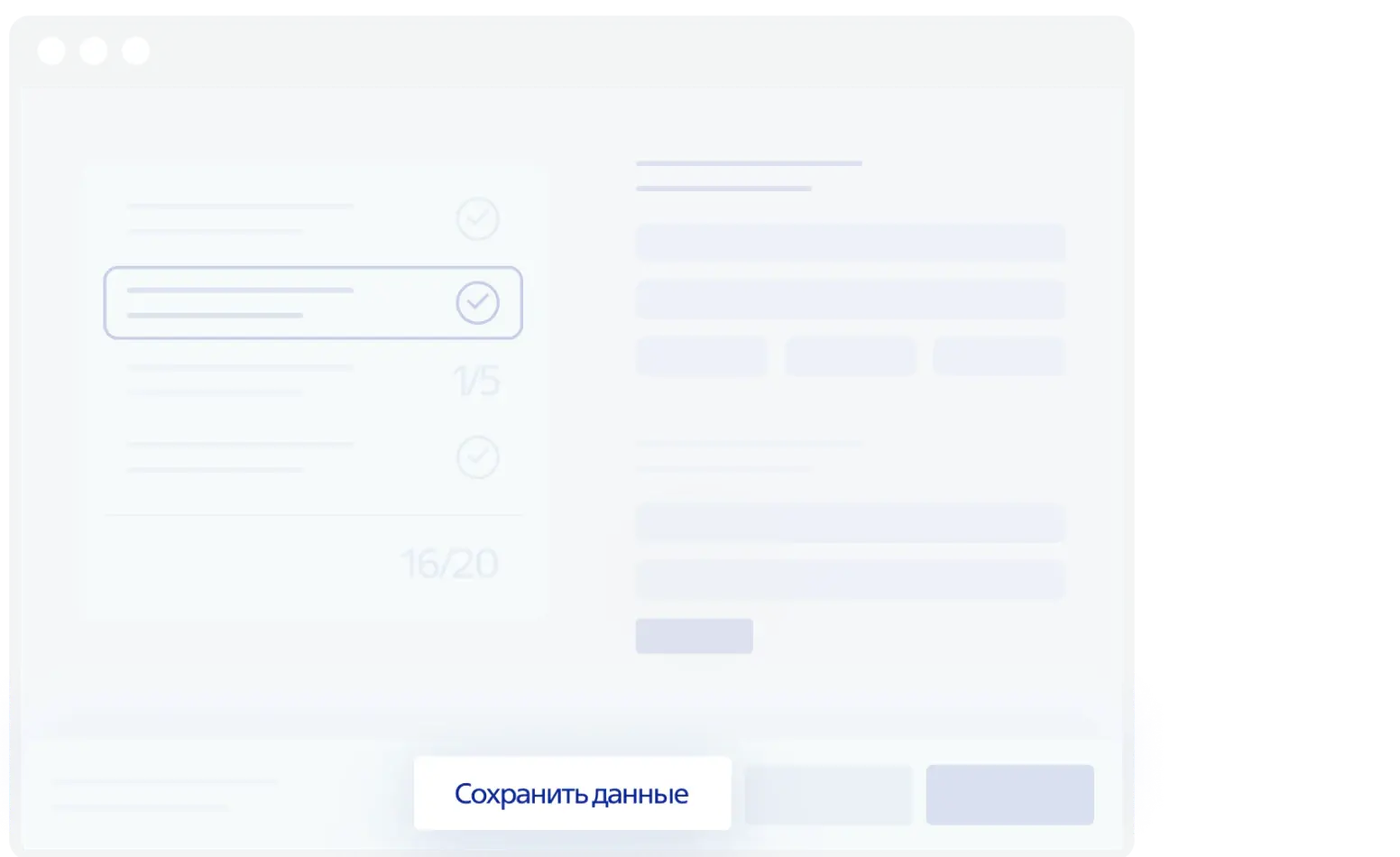
— We can’t store information online yet, so manual data saving on your computer is required
— To save data to a file, click the button at the bottom
— The file can be uploaded to the site, and filling process can be continued from where you left off
Data uploading
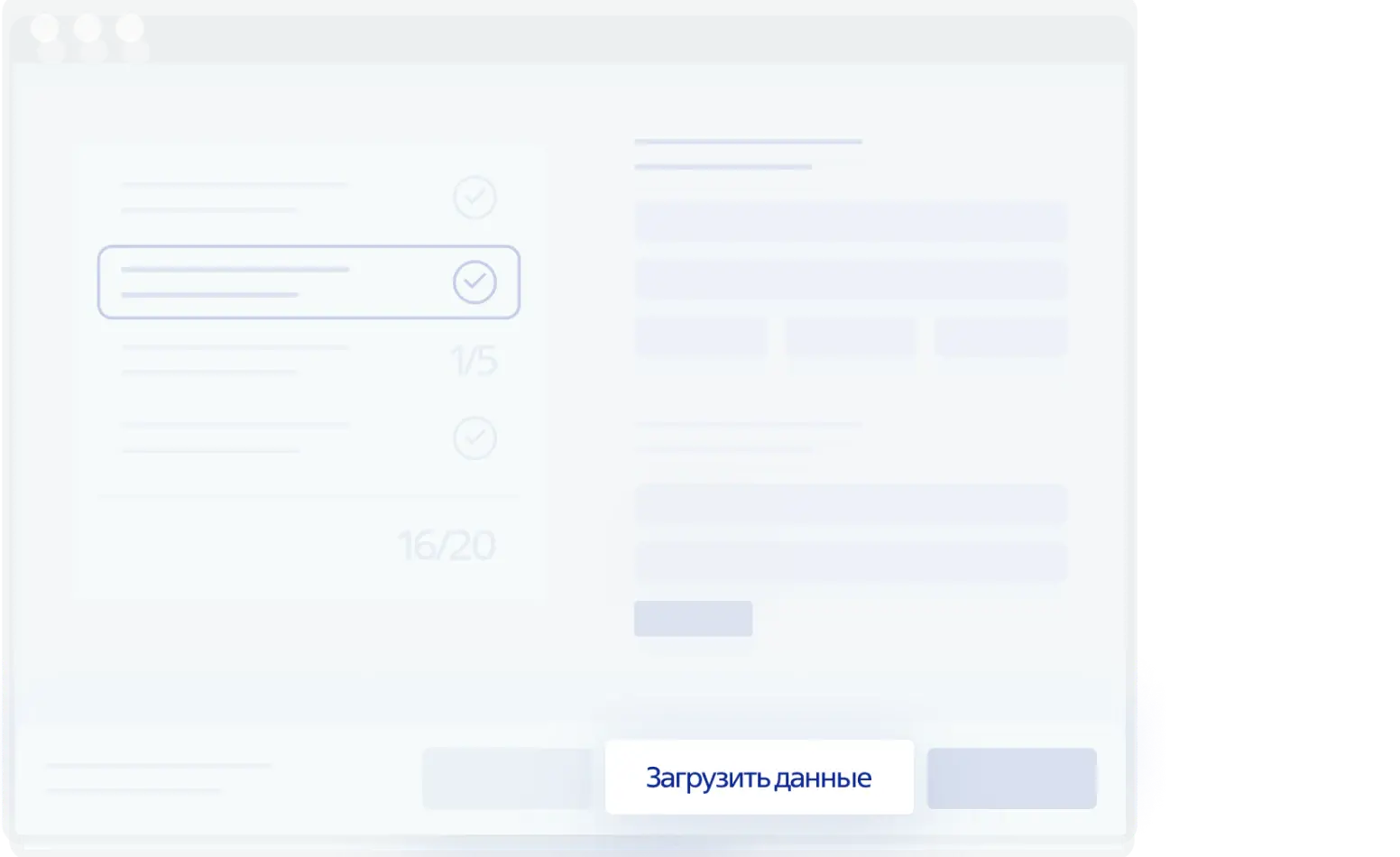
— If you have a partially completed questionnaire, upload the file using the button at the bottom and continue filling
— The questionnaire will open in the first blank field
Document saving
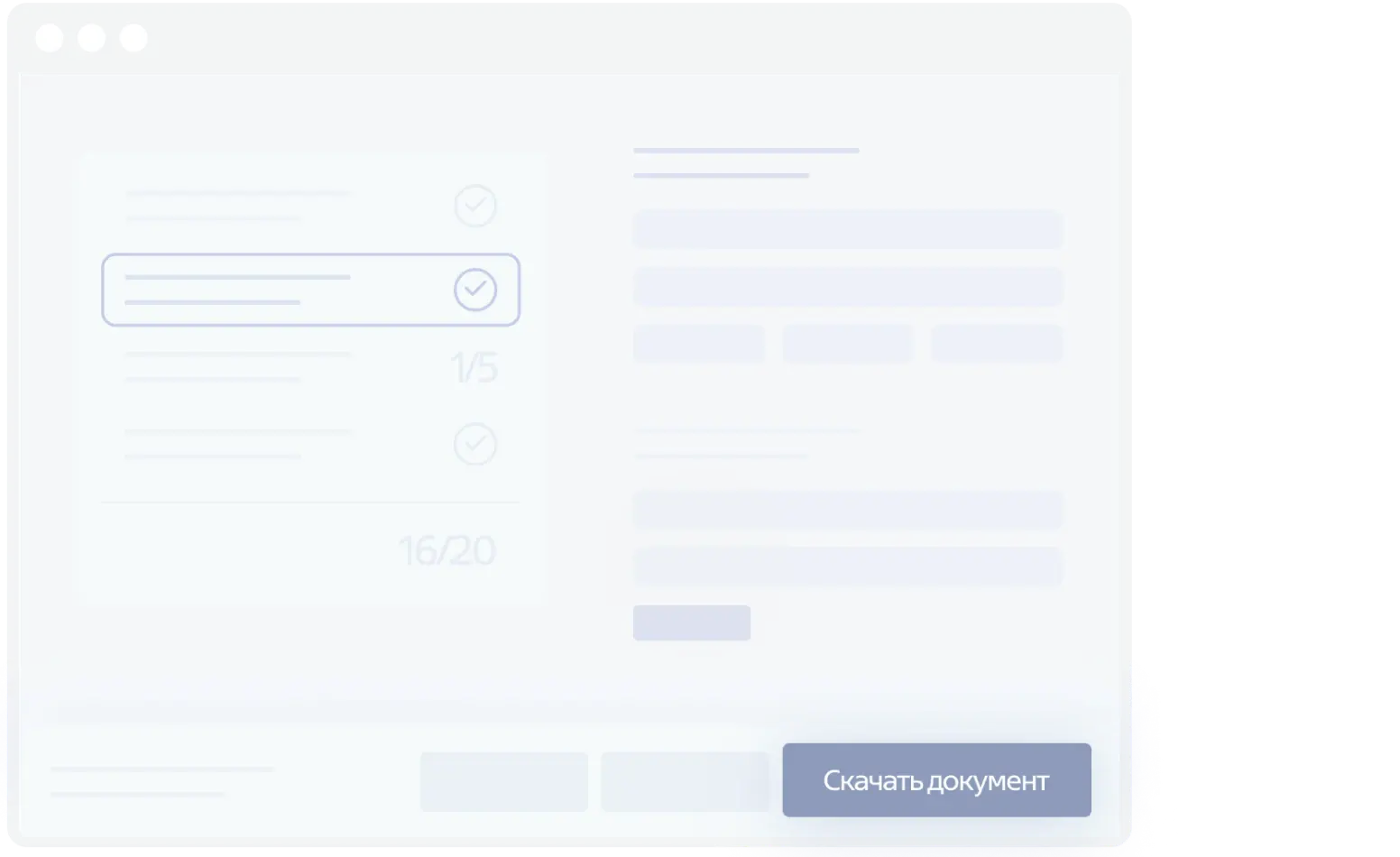
— When all required fields are filled in, you can download the document in word format
— Send the saved file for verification to dd_fi@vtb.ru







Proceed to questionnaire